What is desk booking?
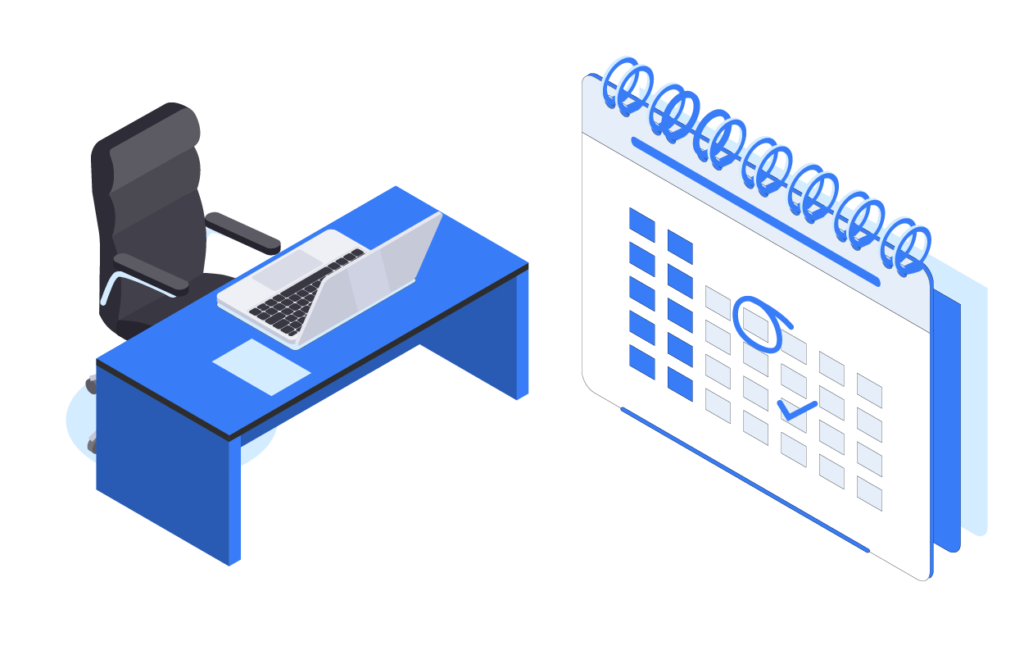
Desk booking is a desk reservation system that allows employees to book a workspace in the office in advance – most often via an app or a web browser.
This solution is a key element of a modern workplace management system, especially in companies operating in a hybrid work model. Instead of permanently assigned desks, employees use a hot desking model, choosing a workspace depending on their needs.
In practice, this means that:
- desks are not assigned to one person
- employees book a space for a specific day
- the company can better manage office space
How does a desk booking system work?
A modern desk booking system works in a very simple and intuitive way.
Selecting a day and office attendance
The employee logs into the desk booking app and selects the day they plan to work in the office.
Selecting a desk on a map
The system displays an interactive office map where users can check available desks and their locations (e.g., by the window, in a quiet zone, or near their team).
Booking a spot
After selecting a desk, the user makes a reservation – often with a single click.
Integrations with tools
Advanced systems integrate with:
- calendars (e.g. Outlook, Google)
- access control systems
- tools such as Microsoft Teams
Thanks to this, the office management app becomes the central hub for organizing work.
Desk booking and hot desking – what is the difference?
These terms are often used interchangeably, but they mean different things:
- Hot desking – a work model without assigned desks
- Desk booking – a tool (system) that enables managing this model
In other words: hot desking is a strategy, and desk booking is the technology that supports it.
Why do companies implement desk booking systems?
Implementing a desk booking system addresses specific organizational and financial challenges.
Better use of office space
In the hybrid work model, offices are often underused by as much as 40–60%. Desk booking helps control this.
Reduction of office costs
Thanks to data on space utilization, companies can:
- reduce office space
- cut rental and maintenance costs
Greater employee comfort
Employees can:
- choose their workspace
- sit close to their team
- plan their office attendance
Better work organization
No more:
- “desk hogging”
- chaos in the workspace
- conflicts over seating arrangements
What features does a modern desk booking app have?
A modern office management application offers much more than just desk booking.
Interactive office map
It shows desk availability in real time.
Recurring reservations
The ability to set, for example, working in the office every Tuesday.
Zone management
Division of the office into:
- quiet zones
- common areas
- team zones
Integrations with other systems
e.g. meeting room booking, parking, or lockers.
Data analysis (workplace analytics)
The system collects data on:
- desk usage
- employee attendance
- work trends
Desk booking in practice – what does implementation look like?
Implementing a desk booking system does not require a revolution in the company.
Step 1: needs analysis
Defining the number of employees and the work model.
Step 2: office mapping
Creating a digital map of the space.
Step 3: system configuration
Setting booking rules and access permissions.
Step 4: implementation and training
Employees start using the system
The whole process can take from a few days to a few weeks, depending on the scale of the organization.
Will desk booking work in every company?
Desk booking works best in companies:
- working in a hybrid model
- with more employees than desks
- looking to optimize office costs
In traditional offices (100% on-site), its potential is smaller, but it can still support work organization.
Desk booking as an element of Smart Office
A desk booking system is just one element of a larger ecosystem, which is the Smart Office.
Within a single office management system, you can also handle:
- meeting rooms
- parking spaces
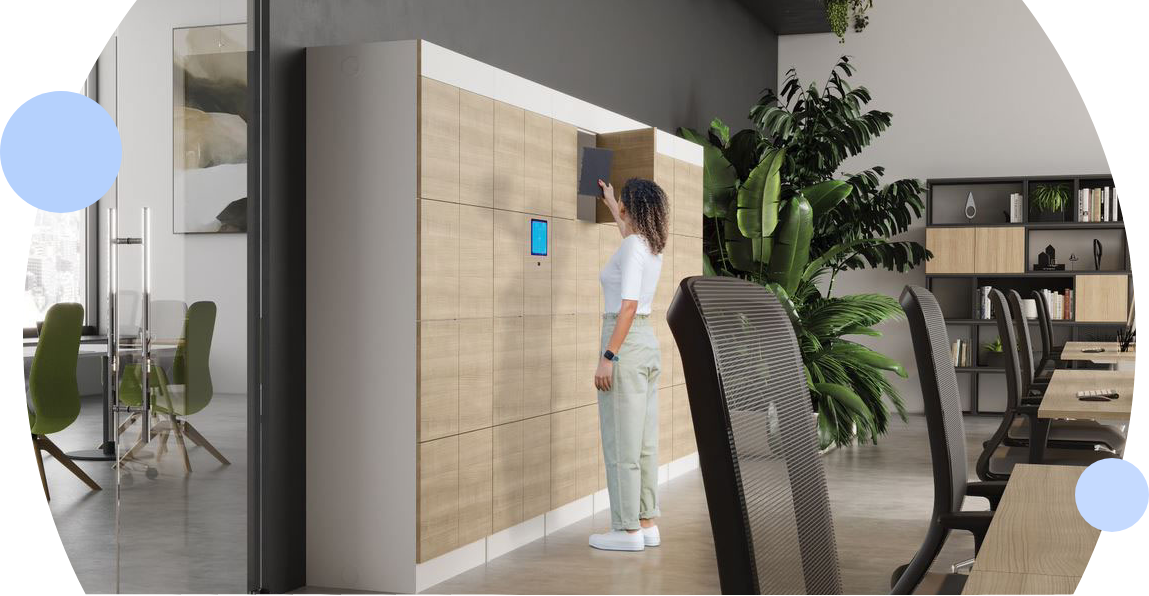
- employee lockers
- any resources, e.g. pool cars, company bikes
- service requests
Thanks to this, the company gains full control over office space in a single application.
Summary
Desk booking is not just a convenient tool, but the foundation of modern office management.
It allows:
- better use of space
- reduce costs
- improve employee experience
In combination with workplace management system solutions, desk booking becomes a key element of an efficient and flexible office of the future.
See desk booking in practice
Want to see how a desk booking system works in a real office?
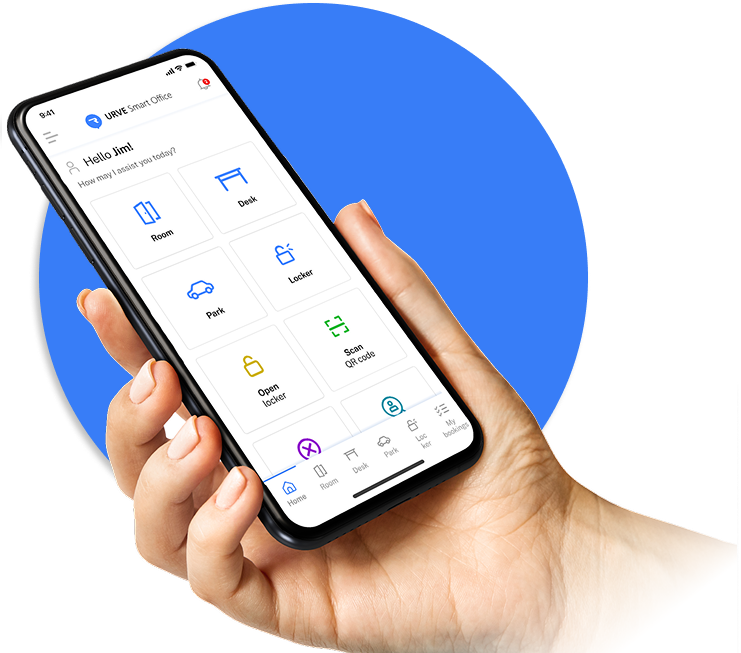
See how Smart Office lets you manage desks, meeting rooms, and resources in one application – without chaos or manual planning.
FAQ – Desk booking
What is desk booking?
Desk booking is a desk reservation system that allows employees to book a workspace in the office for a specific day. It is mainly used in hybrid work models.
Is it necessary in a hybrid office?
Yes, because it helps avoid chaos related to space availability and allows better management of office space.
What are the benefits of implementing a desk booking system?
The most important are better use of office space, cost reduction, greater employee comfort, and access to data on space utilization.
Does desk booking only work in large companies?
No. A desk booking system also works well in small and medium-sized companies, especially those working in a hybrid model.
Can it be integrated with other systems?
Yes, systems can be integrated with calendars, access control systems, and team collaboration tools, which increases their functionality.
How much does it cost?
The cost depends on the number of users and features, but most often the system operates on a subscription model (SaaS), which makes it easy to scale the solution.
Find out how much your unused office space is costing you.
Schedule a free space utilization analysis.