
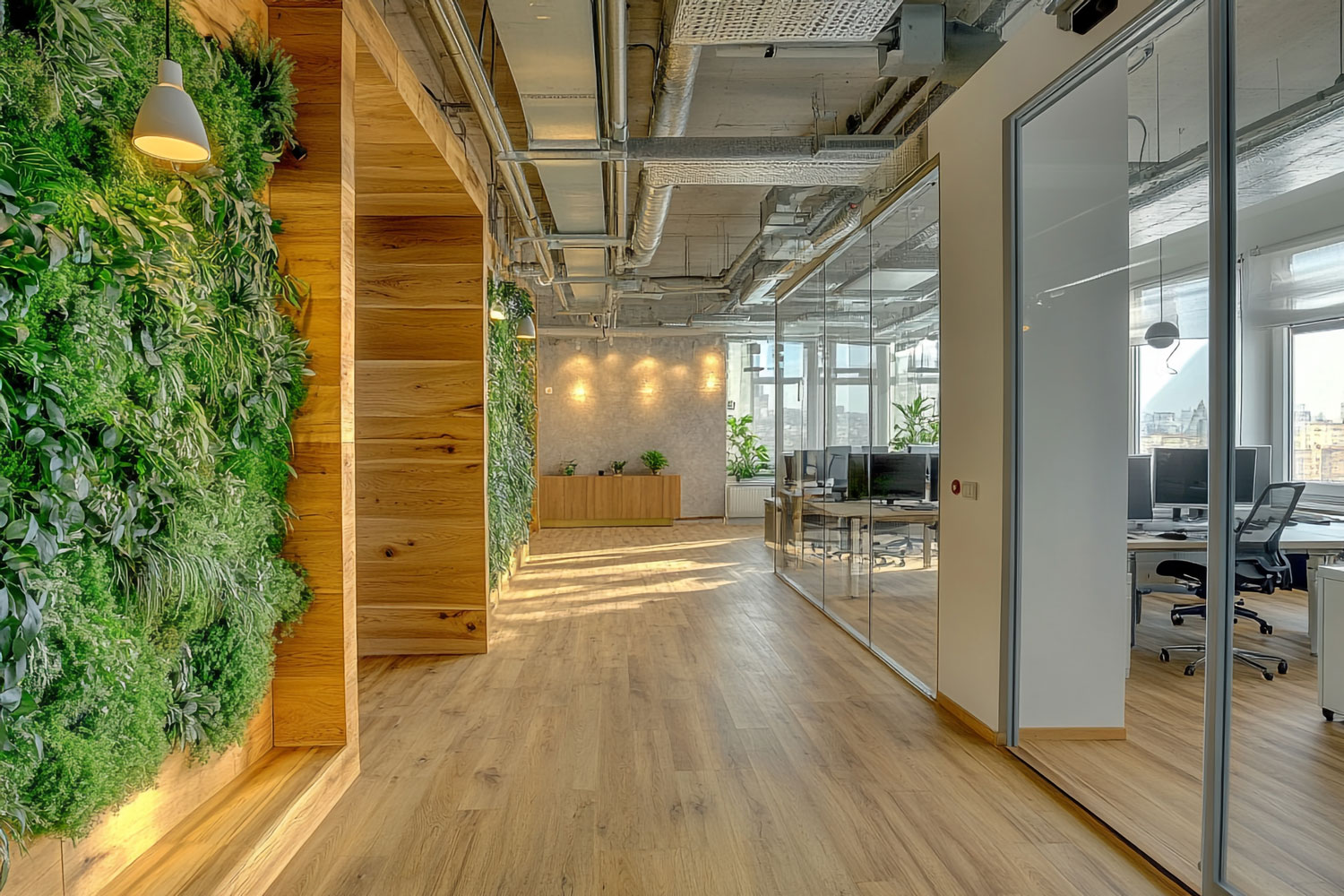
Smart Lockers are a modern solution that supports workplace organization in hybrid offices. With the growing popularity of hot desking and flexible work models, more and more companies are looking for ways to provide employees with a safe space to store their personal belongings.
Intelligent office lockers help companies manage space more effectively, improve employee comfort and support the creation of a modern workplace environment. What are lockers, how do they work and why is it worth implementing them in your organization? Here is a complete guide.
What Are Lockers?
Smart Lockers are intelligent employee lockers equipped with a system that enables their digital management. Unlike traditional lockers secured with a physical key, Smart Lockers can be operated using a mobile app, access cards, PIN codes or QR codes.
Thanks to this flexibility, companies can effectively manage locker availability, monitor their usage and adapt the way they operate to the work model used in the organization.
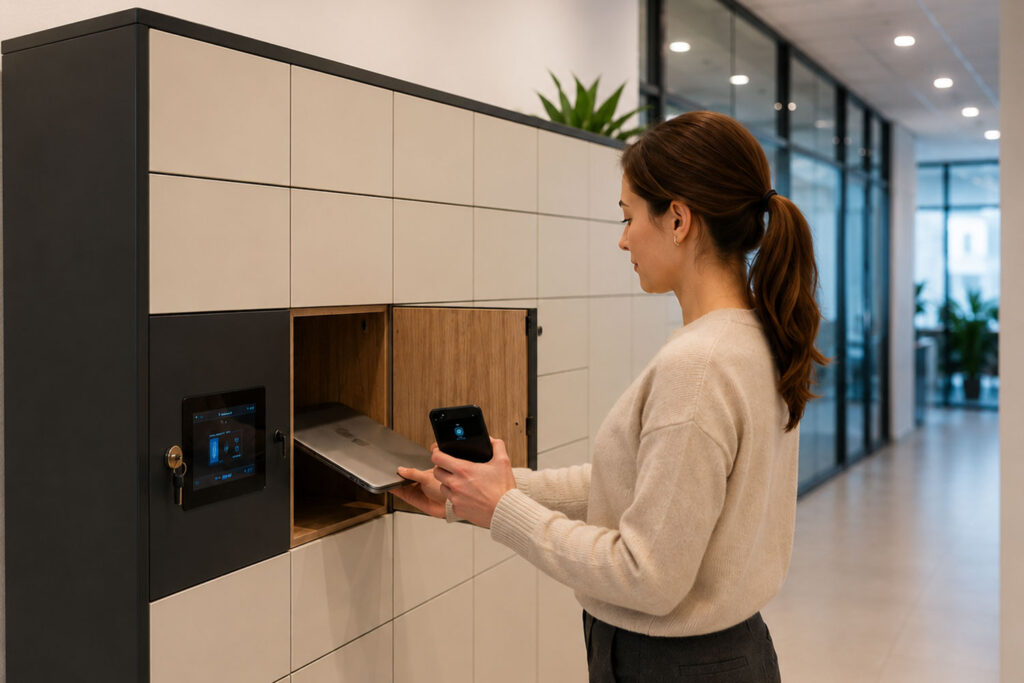
How Do Intelligent Employee Lockers Work?
Depending on the solution used, an employee can:
- reserve a locker in advance,
- open the locker using a mobile app,
- use an access card that is also used in the office,
- share a locker with coworkers,
- use the locker only while present in the office.
Administrators, in turn, have access to data on Smart Locker usage and can remotely manage user permissions.
Why Are Smart Lockers Important in Hybrid Work?
Just a few years ago, most employees had their own assigned desk. Today, more and more companies are implementing a hybrid work model, where employees come to the office only for part of the week.
In practice, this means that:
- desks are shared,
- employees do not have fixed workstations,
- companies need to provide a secure space for storing personal belongings.
Office lockers perfectly complement the hot desking model by giving employees a sense of comfort and security.
In addition, security requirements and personal data protection clearly highlight areas that are critical for organizations. Working in open space offices and allowing employees to move freely around the workplace creates clear requirements regarding what absolutely cannot be left on an employee’s desk during their absence — even a temporary one:
- contracts, agreements, offers and calculations,
- HR documents, CVs and personal data,
- technical specifications and development visualizations,
- business strategies and restructuring documents,
- and many other materials, depending on the type of business activity.
What Benefits Do Office Lockers Provide?
Greater Flexibility of Office Space
Our electronic lockers enable hybrid offices to function effectively without the need to assign every employee a permanent workstation.
Better Employee Experience
Comfort in the office has a major impact on team satisfaction. The ability to safely store a laptop, documents or personal belongings increases workplace convenience.
Locker Sharing
Employees can securely store and exchange documents or tools as part of jointly managed projects.
Higher Level of Security
The modern URVE Smart Locker eliminates problems related to lost keys or unauthorized access. Access to lockers is controlled digitally and can be changed at any time.
Optimized Use of Space
By analyzing data, companies can determine how many lockers are actually needed and how they are being used.
Lower Operating Costs
Better office space management helps reduce unnecessary expenses related to maintaining unused space.
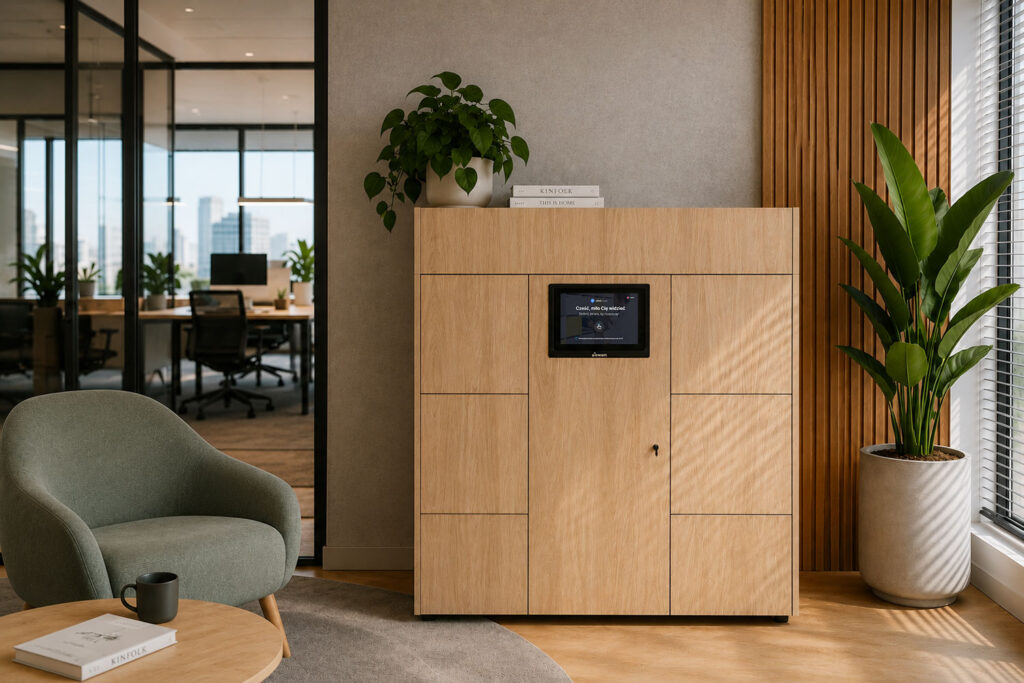
How to Implement a Smart Locker System?
1. Analyze the Work Model in Your Organization
Check how many employees regularly use the office and how often they come to the company headquarters.
2. Define the Demand for Smart Lockers
Not every organization needs as many lockers as it has employees. In a hybrid model, a number corresponding to 60–80% of employees is often sufficient.
3. Choose the Right Technology
It is worth paying attention to:
- integration with a mobile app,
- access card support,
- usage reporting,
- remote management,
- data security.
4. Plan Communication With Employees
New solutions require proper implementation and user education to ensure high adoption.
5. Analyze Data After Implementation
Regular analysis of intelligent office locker usage makes it possible to optimize their number and operating model.
Try a Free, Fully Functional Demo Before Making a Decision
If you would like to gain access to a trial version of the product, please complete the form below or contact us by email.
A free software demo will allow you to explore the functionality of our system. Our support team will be happy to present the key capabilities of the Smart Office application, answer any questions and clarify technical doubts. Feel free to contact us!
How Many Smart Lockers Does a Company Need?
There is no single universal answer. It all depends on the work model.
| Number of Employees | Recommended Number of Smart Lockers |
|---|---|
| 50 employees | 30–40 Smart Lockers |
| 100 employees | 60–80 Smart Lockers |
| 250 employees | 150–180 Smart Lockers |
| 500 employees | 300–400 Smart Lockers |
Companies using hot desking usually need fewer Smart Lockers than the total number of employees.
Electronic Lockers or Traditional Lockers – Which Should You Choose?
| Feature | Traditional Lockers | Smart Lockers |
|---|---|---|
| Physical key or code lock | Yes | No |
| Online reservation | No | Yes |
| App integration | No | Yes |
| Remote management | No | Yes |
| Usage reports | No | Yes |
| Flexible assignment | Limited | Yes |
Although traditional lockers may be sufficient for small organizations, companies implementing hybrid work increasingly choose intelligent lockers.
How Much Does It Cost to Implement Lockers?
The cost of implementation depends on many factors, such as:
- the number of lockers,
- selected authorization methods,
- integrations with existing systems,
- the scope of administrative functions,
- reporting requirements.
However, Smart Lockers should be seen not as a cost, but as an investment that supports effective office space management and improves employee experience.
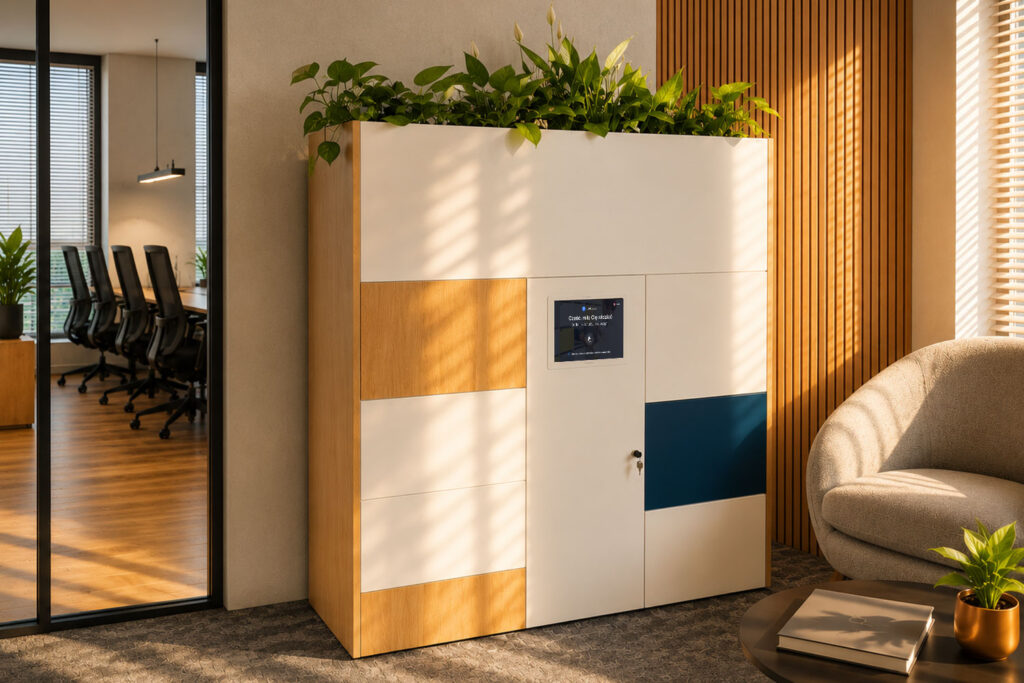
FAQ – Frequently Asked Questions
What Are Smart Lockers?
Smart Lockers are intelligent office lockers that enable digital access management for storage space. They can be operated using a mobile app, access cards, PIN codes or QR codes, supporting workplace organization in modern offices.
How Do They Work?
Lockers allow employees to reserve storage units in advance and open them using various authorization methods. Administrators can remotely manage permissions and analyze locker usage data.
Why Are They Important in Hybrid Work?
In a hybrid work model, employees often do not have assigned desks. Electronic lockers provide them with a secure place to store personal belongings while supporting the flexible use of office space. In addition, growing security requirements, ISO compliance and personal data protection create new challenges for organizations — challenges that are much easier to address with a modern Smart Locker system.
Are Smart Lockers Secure?
Yes. These systems use electronic access control, which makes it possible to precisely manage user permissions and reduce the risk of unauthorized access.
Can Lockers Be Reserved Through an App?
Yes. Many systems allow employees to reserve lockers through a mobile app or an office management platform.
How Many Lockers Does a Company Need?
The number depends on the organization’s work model. Companies operating in a hybrid model often need lockers for 60% to 80% of their total number of employees.
Should Every Employee Have Their Own Smart Locker?
Not always. In modern offices, Smart Lockers are often shared, and employees use them only on the days when they work from the office.
How Much Does Implementation Cost?
The cost of implementation depends on the number of lockers, selected technology, integrations with other systems and the scope of administrative functions. Smart Lockers should be treated as an investment that supports effective office space management.
Do Lockers Integrate With Desk Booking Systems?
Yes. Modern Smart Locker solutions can be integrated with desk and meeting room booking systems, creating a consistent Smart Office ecosystem.
How Long Does Implementation Take?
The implementation time depends on the size of the organization and the complexity of the project. It usually includes needs analysis, system configuration, installation and user training.
Are They Suitable for Small Companies?
Yes. Smart Lockers can be implemented both in large organizations and in smaller companies that want to improve office space management and prepare their workplace for the development of hybrid work.
What Benefits Do They Offer Employees?
Smart Lockers increase workplace comfort, provide a secure place to store personal belongings and support a flexible office usage model.
Smart Lockers or Traditional Lockers – Which Should You Choose?
Traditional lockers work well for simple use cases, while Smart Lockers offer additional features such as online booking, remote management and usage reporting, making them a better solution for modern offices.